Resource
Resource untuk pelajaran ini
Gunakan resource ini bersama materi. Update resource akan otomatis tercermin tanpa menyalin isi ke pelajaran.
---
name: social-carousel
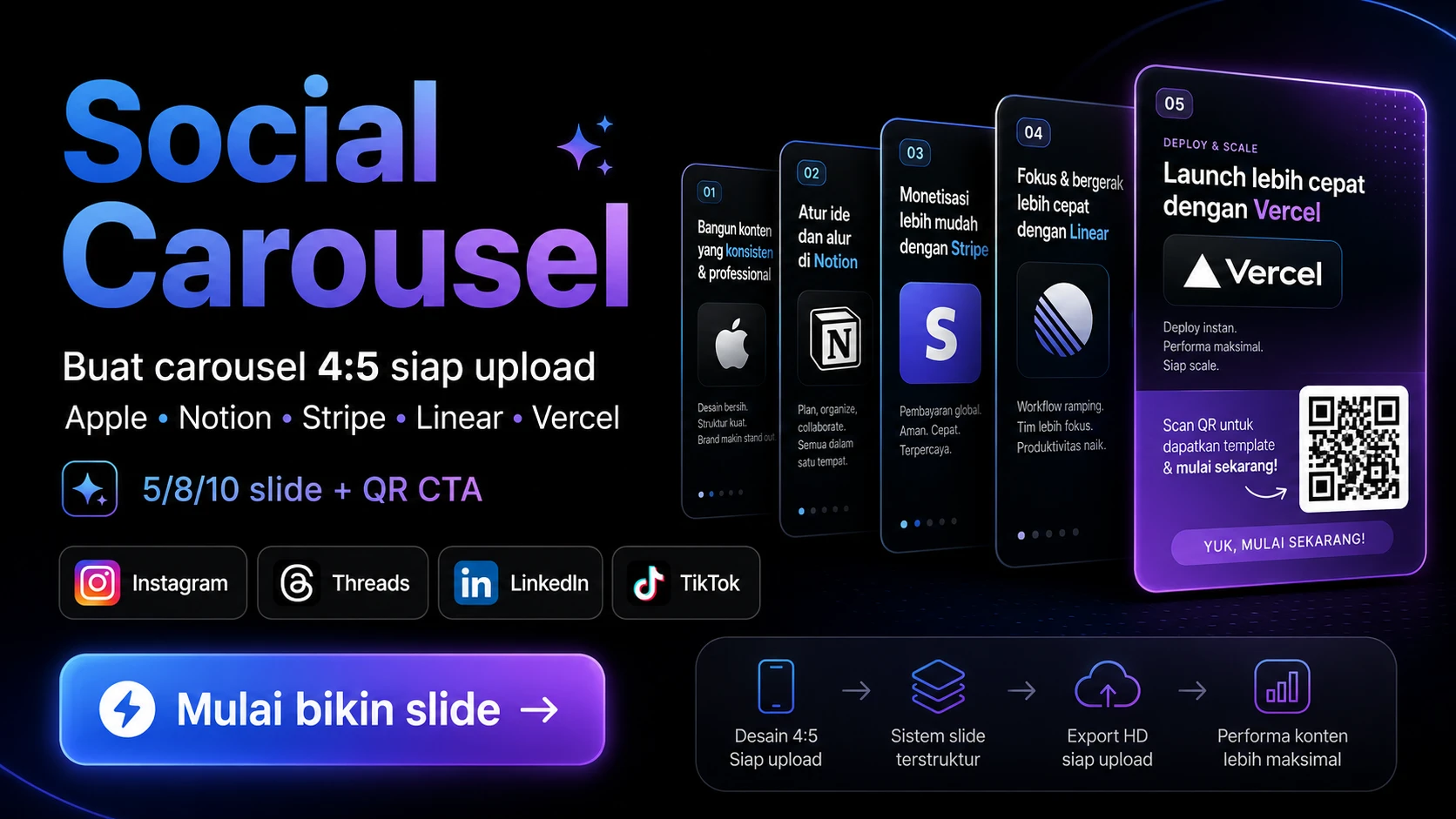
description: Generate professional 4:5 social media carousels (Instagram, Threads, LinkedIn, TikTok) in one of 5 brand-inspired visual styles — Apple, Notion, Stripe, Linear, or Vercel. Auto-detects user's language (Indonesian, English, or any other), supports flexible slide counts (5/8/10/custom), and embeds a QR code on the final CTA slide from a user-provided link. Trigger this skill for phrases like "buat carousel", "make a carousel", "create slides about [topic]", "Instagram carousel", "10 slide tutorial", "post sosmed tentang X", "social media post about X", or whenever a user provides a topic and asks for a multi-slide visual breakdown. The skill begins with a 3-question intake (style, slide count, CTA link), proposes an outline, then generates HTML slides and renders them as upload-ready PNG files (1080×1350 base, 2160×2700 retina).
---

# Social Carousel Generator

Generate 4:5 carousel slides with consistent brand-inspired design system, flexible slide counts, multilingual support, and QR code CTA. Output: PNG files ready to upload to Instagram, Threads, LinkedIn, TikTok.

---

## Step 0 — INTAKE: 3 Questions in ONE Message

**Before doing anything, ask the user these 3 questions in a SINGLE message.** Do not split into multiple messages. Do not start an outline before all 3 are answered.

If the user already answered some in their initial prompt (e.g. "make 8 slides about X"), skip those and ask only the remaining ones.

### Indonesian template

> Sebelum mulai, aku perlu 3 info biar hasilnya pas:
>
> **1. Style visual mau yang mana?**
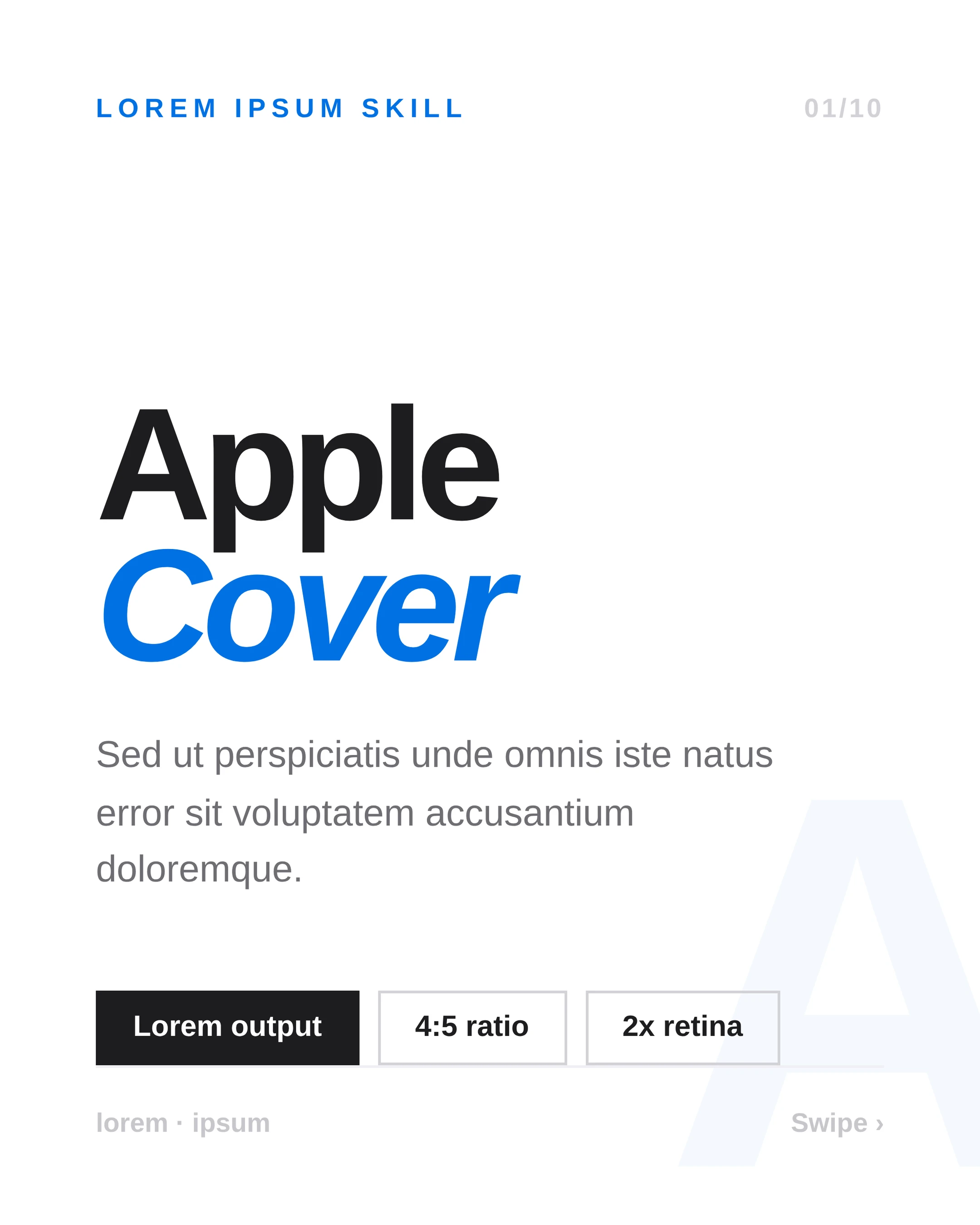
> - 🍎 **Apple** — Putih bersih, italic biru, premium product launch vibe
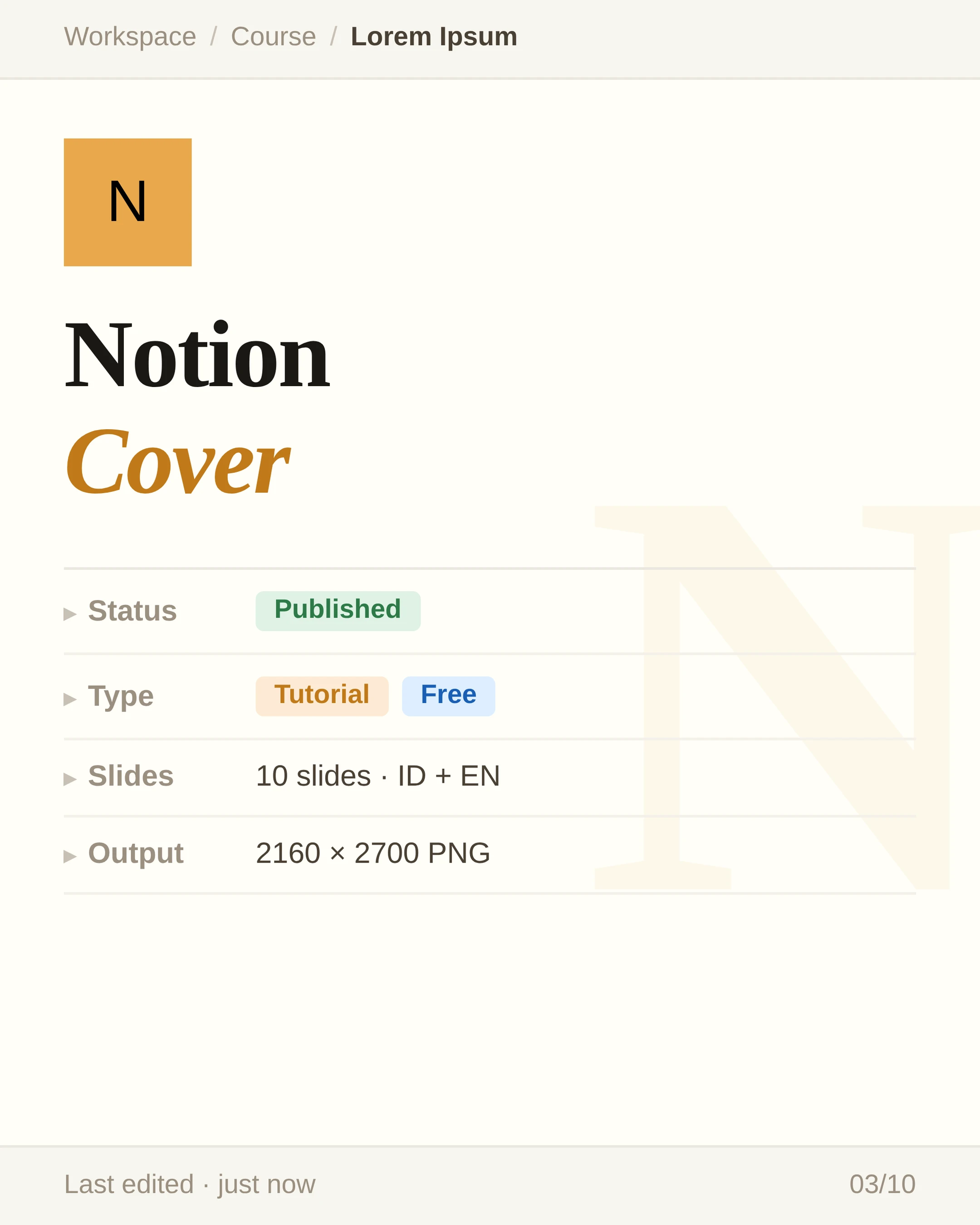
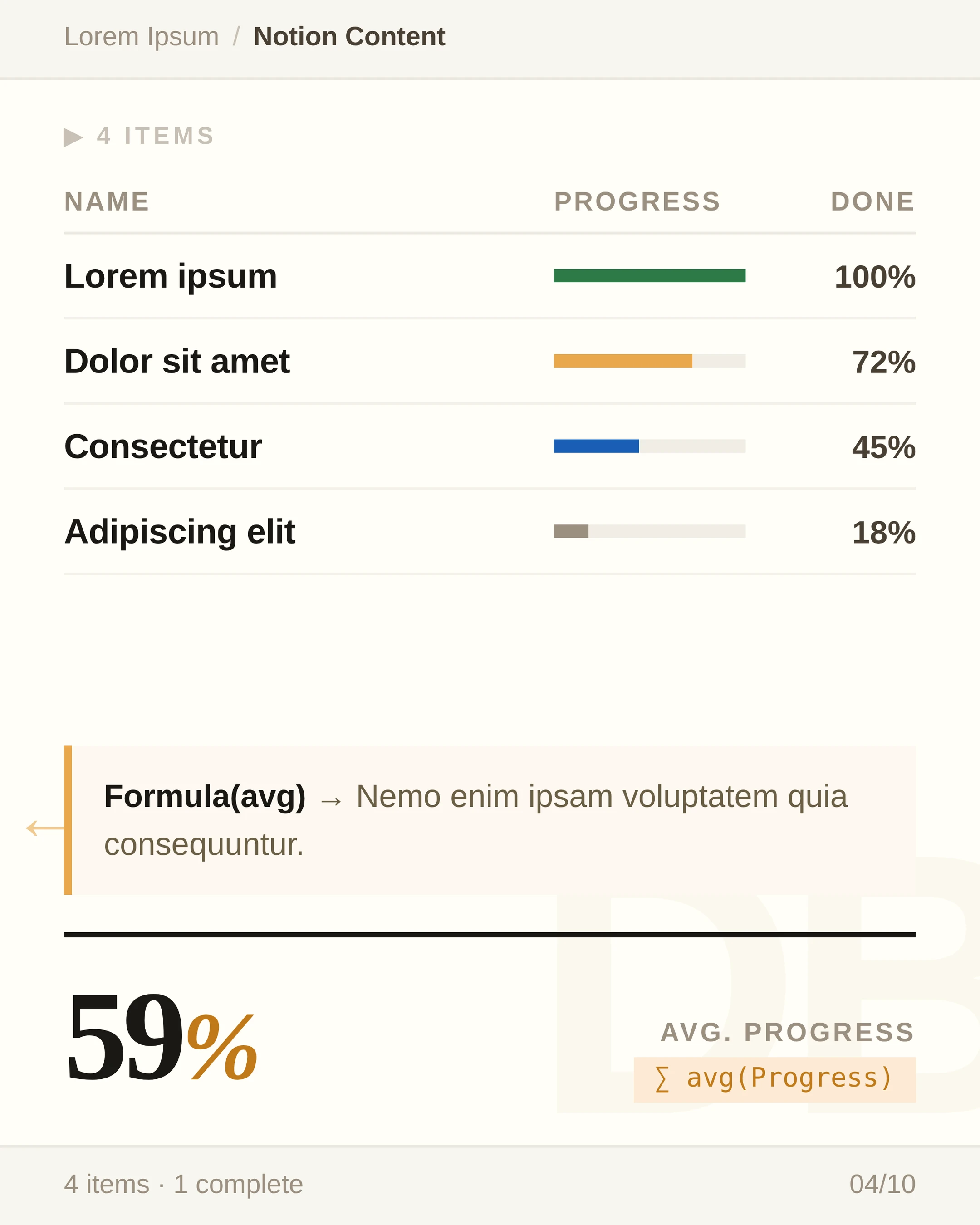
> - 📝 **Notion** — Warm cream, serif heading, document/database aesthetic
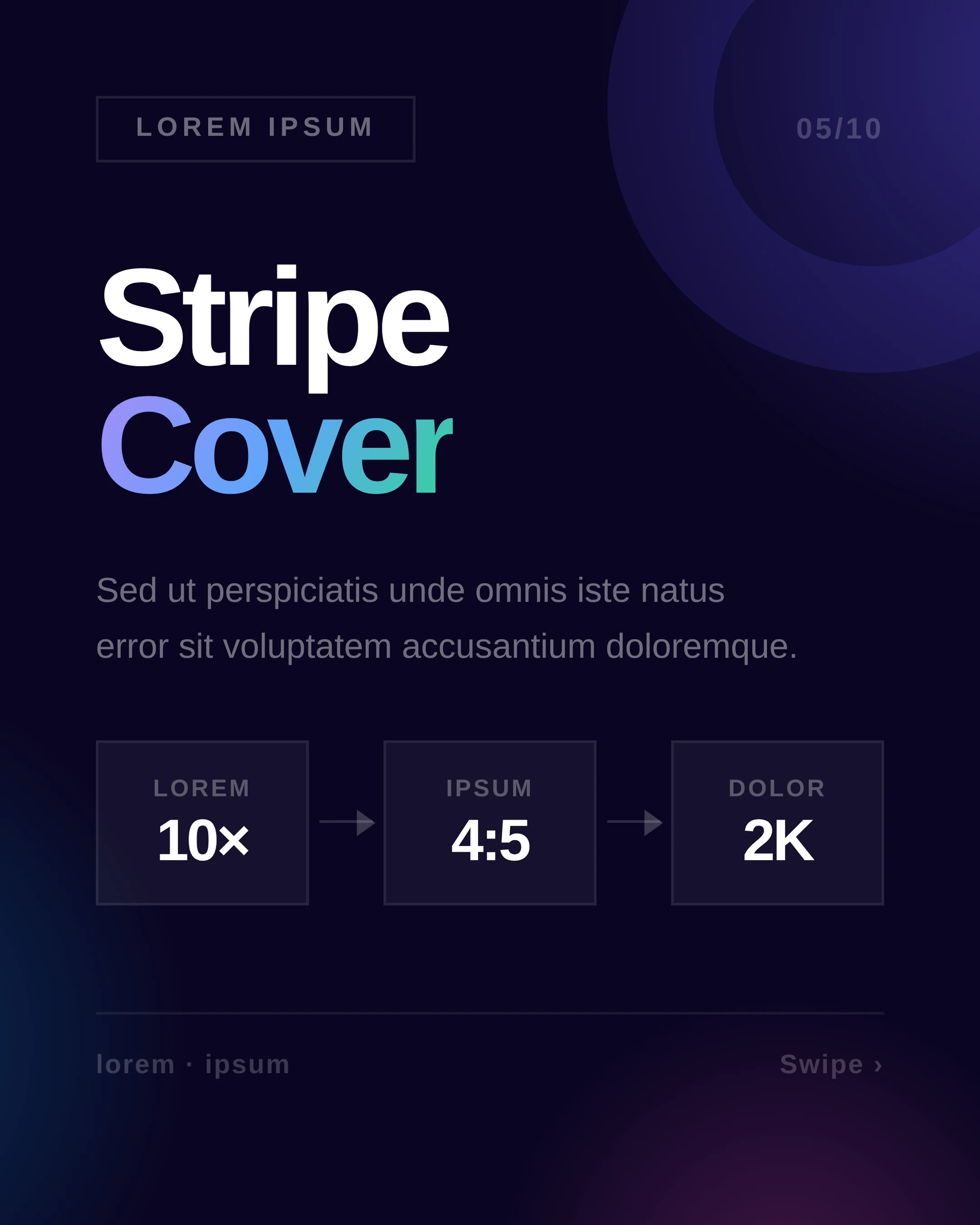
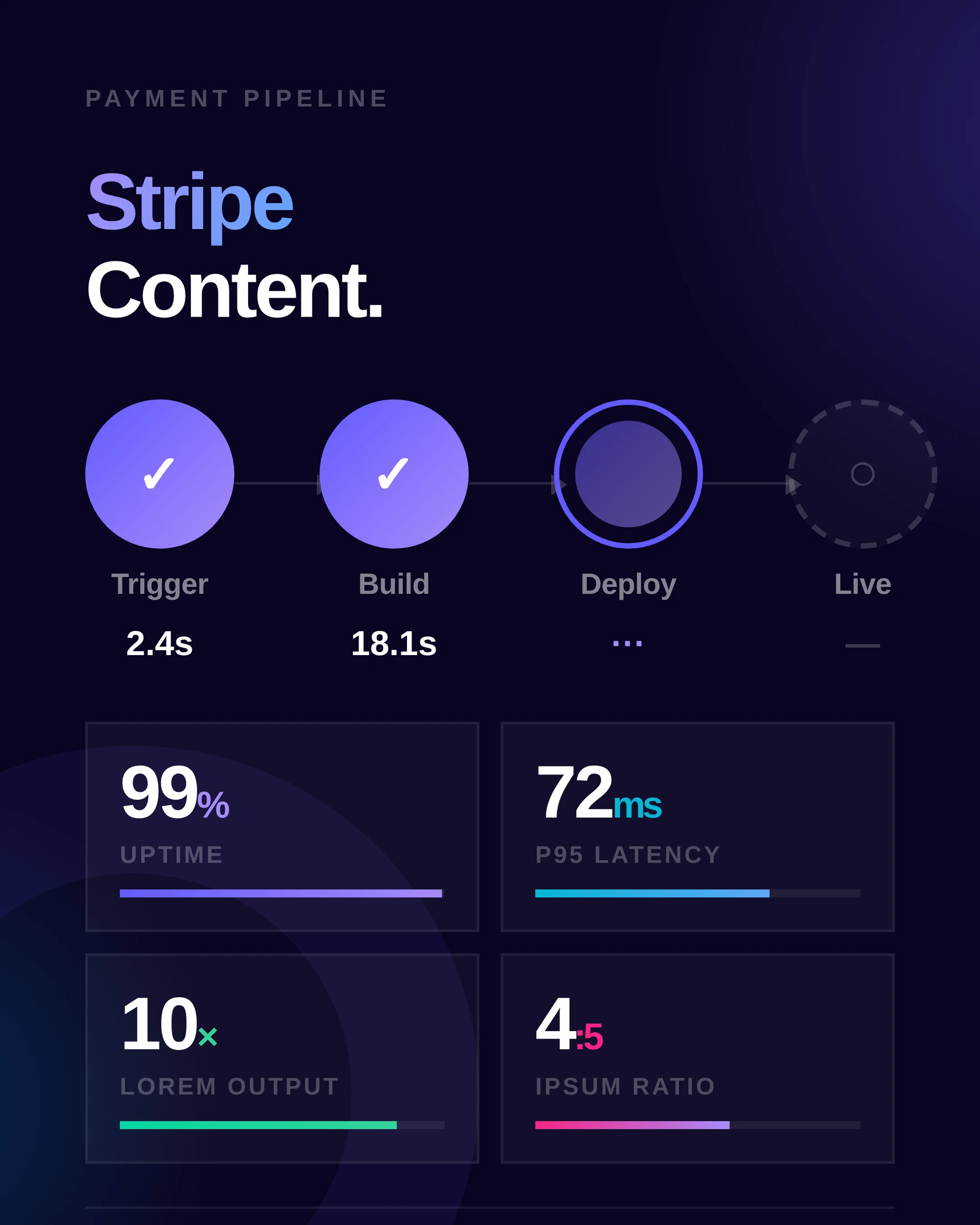
> - 💜 **Stripe** — Dark gradient blobs, bold gradient text, fintech modern
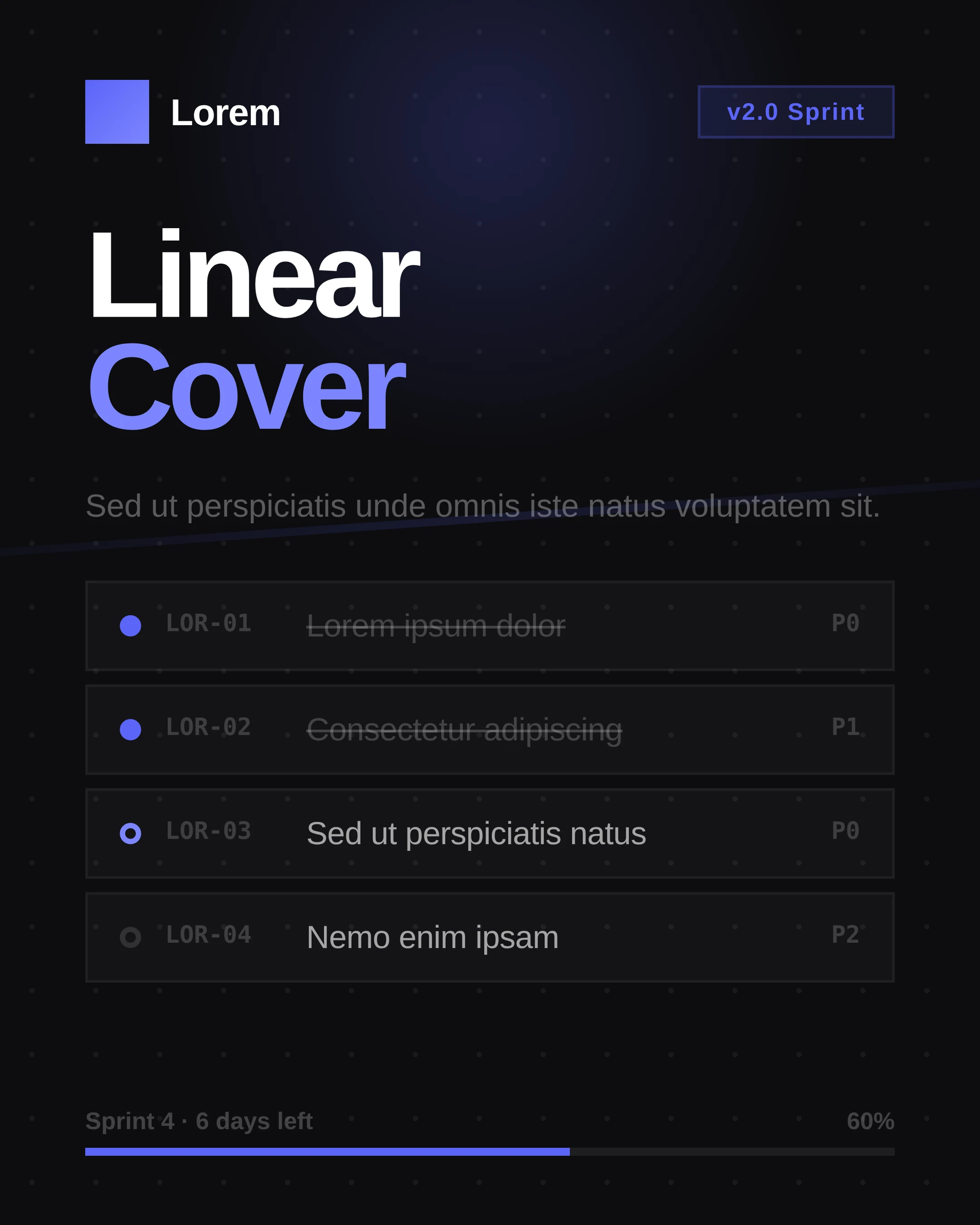
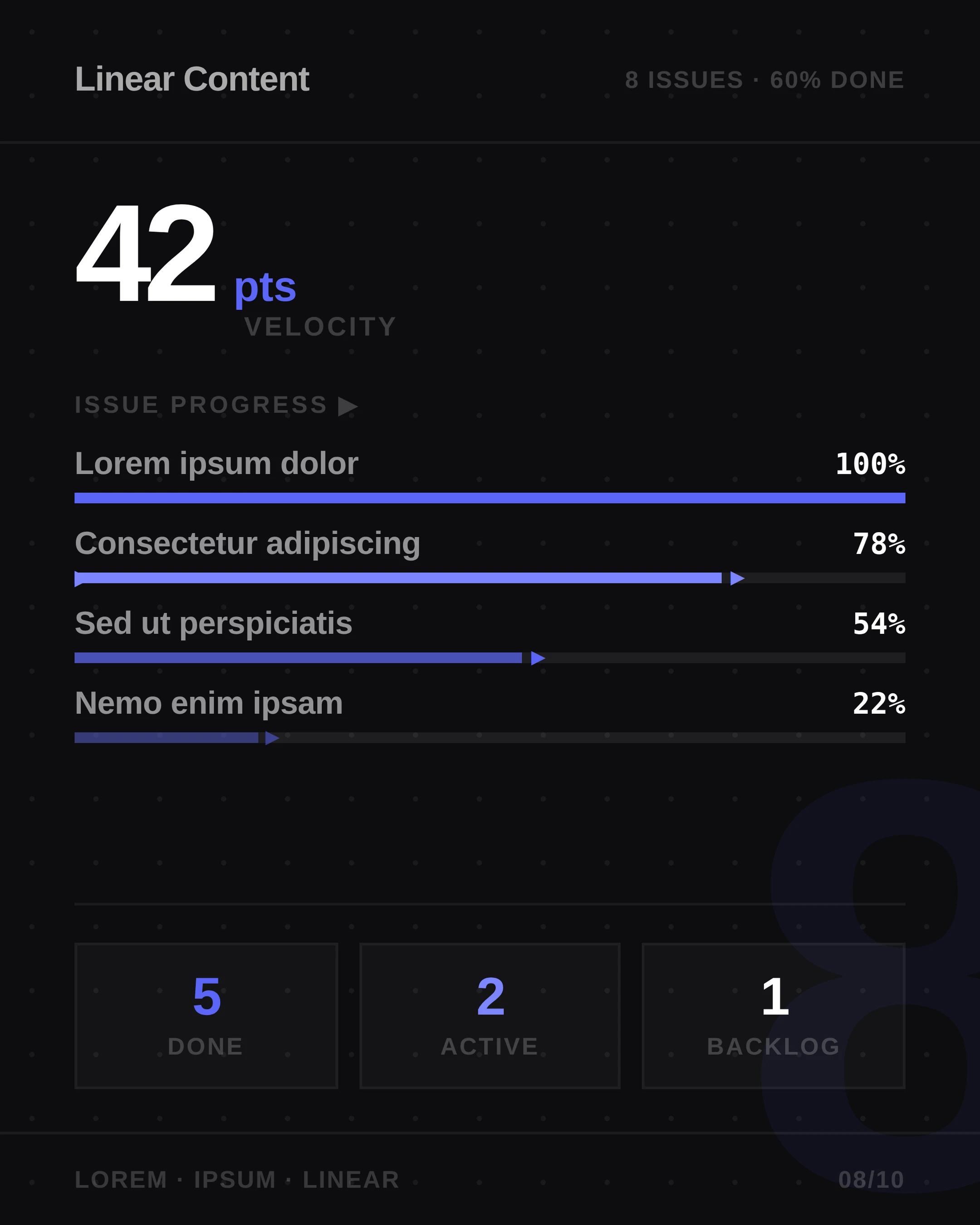
> - ⚡ **Linear** — Dark dot grid, ungu accent, dev-tool sprint vibes
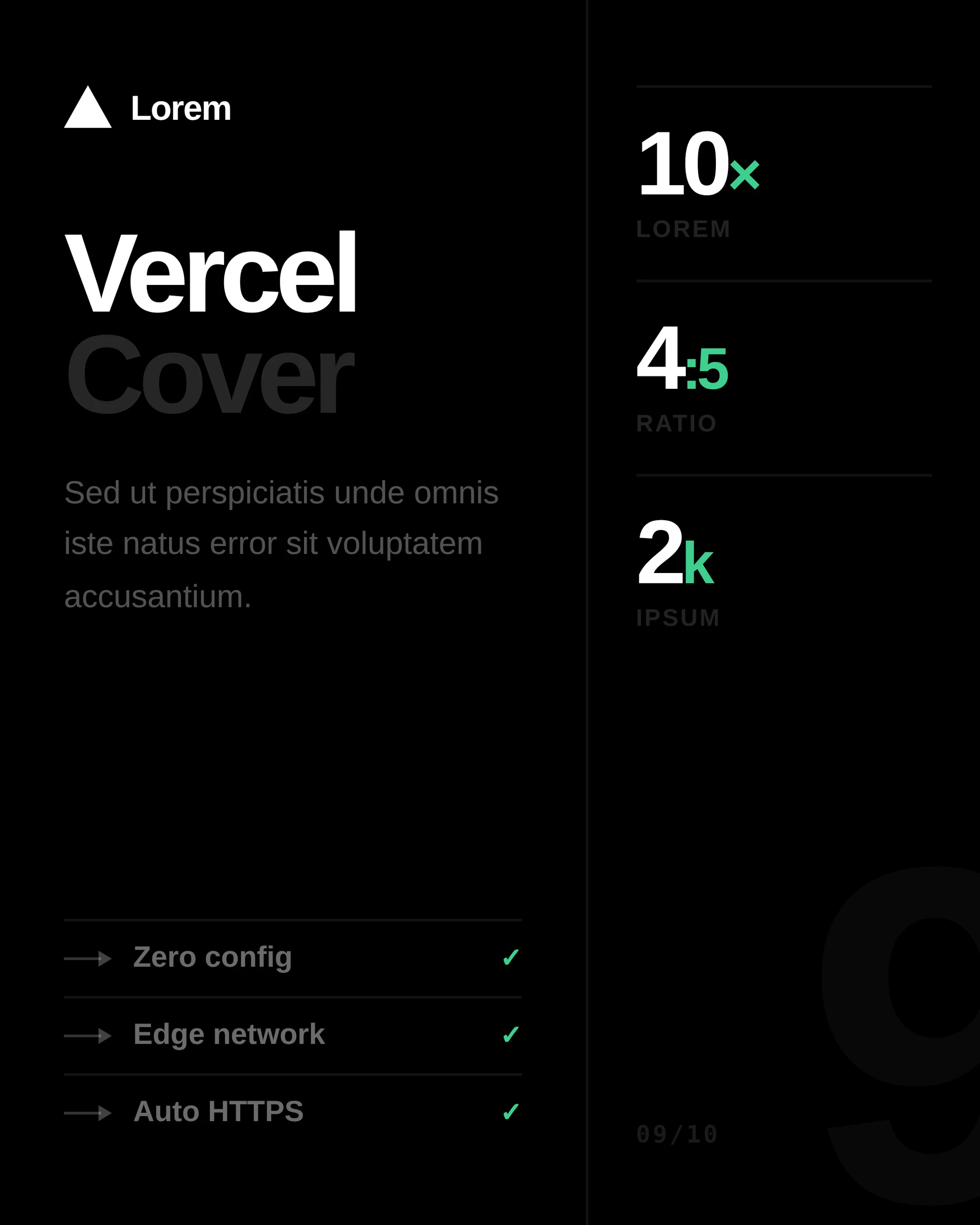
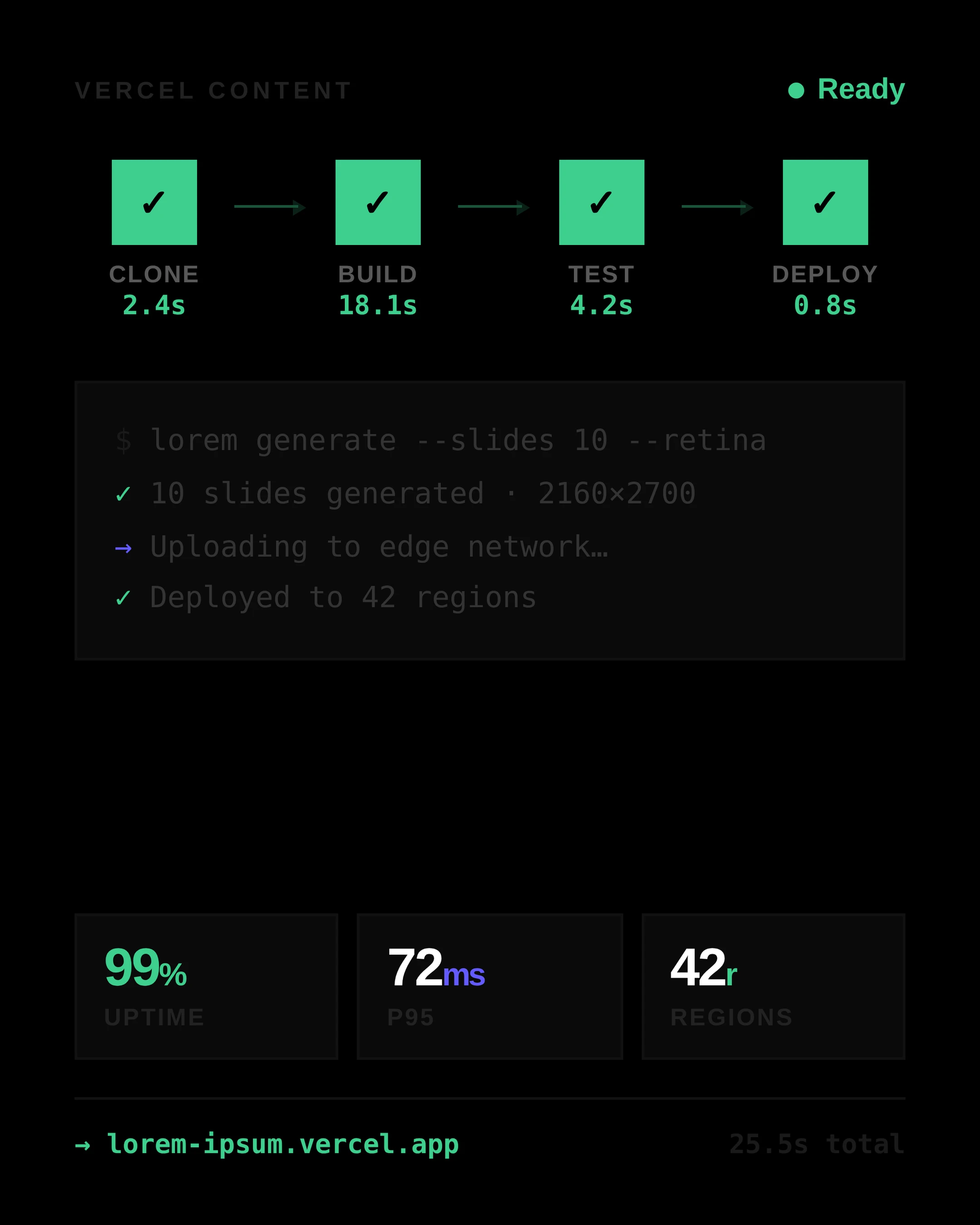
> - ▲ **Vercel** — Pure black, monospace, terminal blocks, engineering feel
> - ✏️ **Custom** — describe sendiri
>
> **2. Berapa slide?**
> - 5 (cepat, to the point)
> - 8 (balanced)
> - 10 (lengkap, engagement tinggi)
> - Custom (ketik angka)
>
> **3. Link untuk CTA?**
> Kasih URL (ke website, link tree, profile, dll) — nanti di-generate jadi QR code di slide terakhir biar audiens tinggal scan. Kalau ga ada, ketik "skip".

### English template

> Quick setup before I start — 3 questions:
>
> **1. Visual style?**
> - 🍎 **Apple** — Clean white, italic blue accent, premium product launch
> - 📝 **Notion** — Warm cream, serif headlines, document/database aesthetic
> - 💜 **Stripe** — Dark gradient mesh, bold gradient text, fintech modern
> - ⚡ **Linear** — Dark dot grid, purple accent, dev-tool sprint vibes
> - ▲ **Vercel** — Pure black, monospace, terminal blocks, engineering feel
> - ✏️ **Custom** — describe your own
>
> **2. How many slides?**
> - 5 (quick & punchy)
> - 8 (balanced)
> - 10 (comprehensive)
> - Custom (type any number)
>
> **3. CTA link?**
> Provide a URL (website, link tree, profile, etc.) — it'll be embedded as a QR code on the final slide so viewers can scan. Type "skip" if you don't have one.

### Defaults if user says "skip" / "terserah":
- Style: **Apple**
- Slides: **10**
- CTA: no QR, just text CTA
---

## Step 0b — Auto Language Detection

Determine slide language from the intake answers and conversation:

1. **Explicit** — user states "in English" / "bahasa Indonesia" / etc → follow exactly
2. **Communication language** — language used in the intake answers
3. **User location** (if known from system context):
   - Indonesia / Malaysia / Brunei → Bahasa Indonesia
   - Other → English
4. **Default** → English (skill is now universal)
HTML root: `<html lang="id">` or `<html lang="en">` or appropriate code.

---

## Step 1 — Propose Outline

Based on slide count, propose a structured outline. **Wait for user approval before generating HTML.**

### Default narrative structure

| # | Slide | Purpose |
|---|-------|---------|
| 1 | **Cover** | Hook. Big title + tag pill + style-signature visual |
| 2 | **Problem / Why** | Hook empathy. Question + 2 contrasting cards |
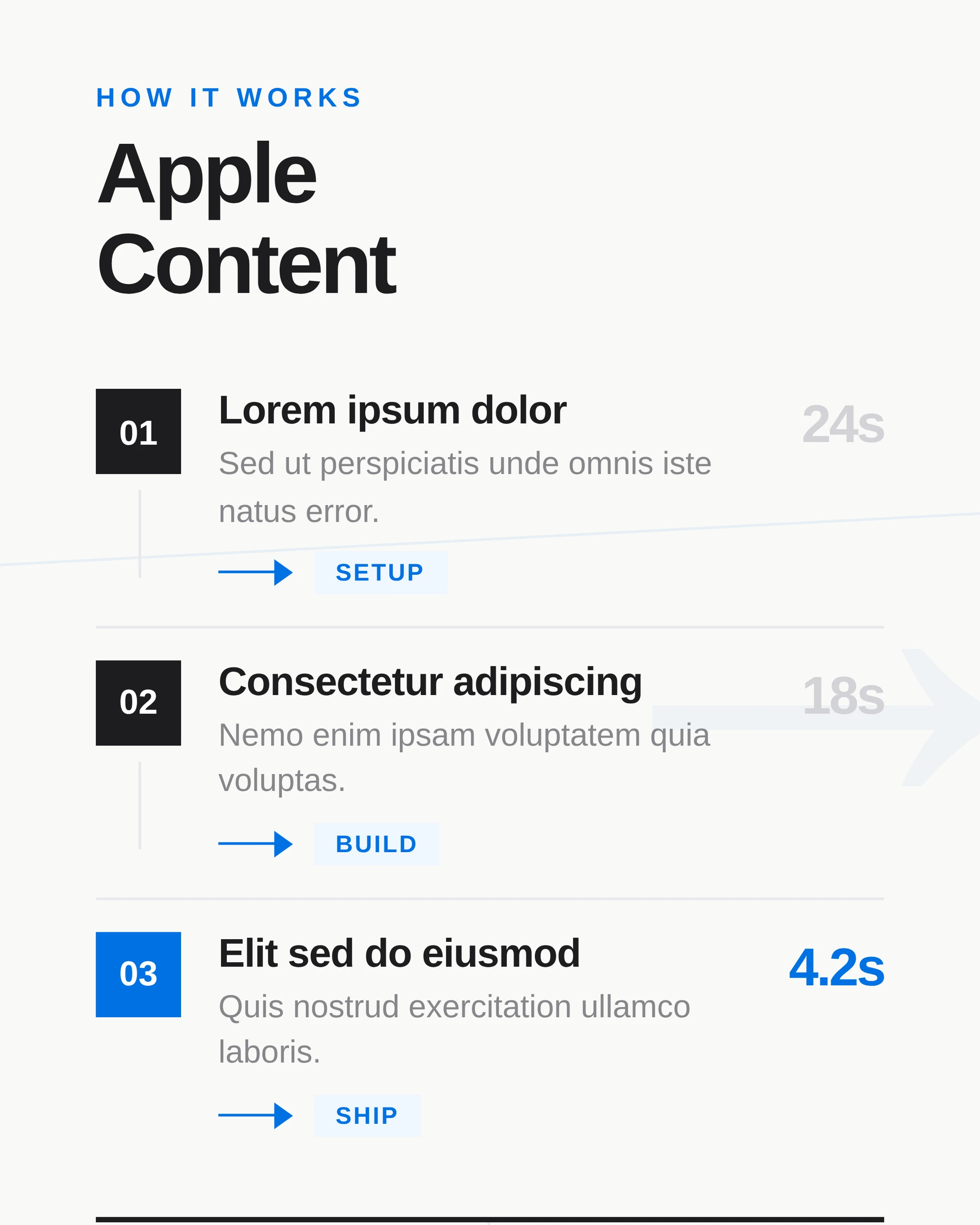
| 3 | **Concept** | 3 horizontal cards with icon + relatable analogy |
| 4 | **Step 1** | Numbered list / requirements |
| 5 | **Step 2** | OS tabs / command grid / how-to |
| 6 | **Step 3** | Card with code block or breakdown |
| 7 | **Step 4** | Comparison or further breakdown |
| 8 | **Style break** | Style-signature visual (terminal, kanban, blob, etc.) |
| 9 | **Cheat sheet** | 2-column quick reference (the "save" slide) |
| 10 | **CTA** | Heading + QR code + URL + step pills |

### Adjustments by slide count

- **5 slides**: Cover · Problem · Main content · Cheat sheet · CTA
- **8 slides**: Cover · Problem · Concept · Step 1 · Step 2 · Step 3 · Cheat · CTA
- **10 slides**: Full structure above
### Tone by audience

If user mentioned an audience (e.g. "for beginners", "untuk pelajar"), adjust:
- **Beginners** → longer sentences, more context, relatable analogies
- **Professionals** → punchier, data-driven, less emoji
- **Gen Z / casual** → conversational, emojis OK
---

## Step 2 — Generate HTML Slides

After outline approval:

1. **Copy `_base.css`** from `assets/_base.css` to working dir `/home/claude/slides/`
2. **Generate N HTML files** (`01-xxx.html` through `NN-xxx.html`)
3. Apply the chosen style by adding the class to slide root:
```html
<div class="slide style-apple">  <!-- or style-notion, style-stripe, style-linear, style-vercel -->
```

4. Each HTML must include:
   - `<!DOCTYPE html>` + `<html lang="...">`
   - `<link rel="stylesheet" href="_base.css">`
   - `<div class="slide style-XXX">` as root (this controls all colors via CSS variables)
   - Footer with page number (except CTA slide)
   - `<pre>` for code blocks (preserves line breaks)
   - **Inline `<style>` block** for slide-specific layout (typography sizes, grid, decorations)
   - No external images (use emoji or CSS-drawn shapes only)
5. The slide uses CSS variables (`var(--bg)`, `var(--text)`, `var(--accent)`, etc.) which are set by the style class. So changing the style only requires changing the wrapper class — the layout HTML stays the same.
---

## Step 3 — Generate QR Code (CTA Slide)

If user provided a CTA link, generate a QR code and place it on the final slide.

### Method A — Python qrcode library (preferred, offline)

```python
# Install: pip install qrcode[pil]
import qrcode
import qrcode.image.svg

cta_url = "<user provided URL>"

# Generate as SVG for sharp retina rendering
factory = qrcode.image.svg.SvgPathImage
img = qrcode.make(cta_url, image_factory=factory, border=0, box_size=10)
img.save('/home/claude/slides/qr.svg')
```

### Method B — QR API via img tag (zero dependency, requires Playwright internet during render)

```html
<img class="qr-img" src="https://api.qrserver.com/v1/create-qr-code/?size=400x400&data=ENCODED_URL&format=svg&margin=0" alt="Scan to visit">
```

URL-encode the user's link first.

### Method C — Pure JavaScript fallback

Embed a tiny QR encoder lib (`qrcode-generator`) and render at slide load. Use only if Methods A and B unavailable.

### CTA slide HTML structure

```html
<div class="slide style-apple cta-slide">
  <div class="cta-content">
    <div class="cta-overline">Visit us</div>
    <h1 class="cta-heading">Get the<br>resource.</h1>
    <p class="cta-sub">Scan or visit the link below.</p>
  </div>
  <div class="cta-qr-block">
    <div class="cta-qr-frame">
      <img src="qr.svg" alt="QR code" class="cta-qr-img">
    </div>
    <div class="cta-qr-arrow">↓ Scan ↓</div>
    <div class="cta-qr-url">your-url-here.com</div>
  </div>
</div>
```

The `.style-XXX` class on the slide root makes the QR frame adapt to the style automatically (white card on Apple, dark frame on Vercel, gradient frame on Stripe, etc.).

If user said "skip" for CTA: omit the QR block, keep heading + URL/text only.

---

## Step 4 — Render to PNG

```bash
python3 /path/to/skill/scripts/render.py /home/claude/slides /home/claude/render
```

Viewport: 1080×1350 · device_scale_factor: 2 → PNG output 2160×2700.

If QR was generated as SVG and Playwright has trouble loading the local file, fallback to PNG QR generation in Method A:

```python
img = qrcode.make(cta_url, border=0, box_size=10)  # PIL image
img.save('/home/claude/slides/qr.png')
```

---

## Step 5 — Present to User

1. Copy PNGs to `/mnt/user-data/outputs/slides/`
2. Use `present_files` tool with PNGs in order `01 → NN`
3. Confirm the CTA URL was correctly embedded if QR was generated
---

## Style System (5 Presets)

All styles are implemented as CSS variable sets on a wrapper class. Apply by adding `class="slide style-XXX"` to the slide root.

### 🍎 Apple
- **Background**: `#fff` (white)
- **Text**: `#1d1d1f` / muted `#6e6e73`
- **Accent**: `#0071e3` (Apple blue)
- **Borders**: `#e8e8ed`
- **Font**: SF Pro Display / system sans
- **Signature**: italic blue accent words, big tracking-tight headlines, pill chips with sharp corners, ghost-letter background decoration, horizontal rules
- **Vibe**: Premium product launch keynote
### 📝 Notion
- **Background**: `#fffef8` (warm cream)
- **Text**: `#1a1814` / muted `#6b5e45`
- **Accent**: `#c07a1a` / `#e9a84c` (warm amber)
- **Borders**: `#ebe8df`
- **Font**: Georgia serif (display) / system sans (body)
- **Signature**: breadcrumb top bar, document icon block, italic serif emphasis, property rows with `▸` markers, colored pill tags, callout blocks with left border, big serif numerals
- **Vibe**: Editorial document / Notion workspace
### 💜 Stripe
- **Background**: `#0a0522` (deep purple-black)
- **Text**: `#fff` / muted `rgba(255,255,255,.42)`
- **Accent**: gradient `#635bff → #a78bfa → #34d399`
- **Surface**: glass `rgba(255,255,255,.05)` with subtle border
- **Font**: System sans, very bold
- **Signature**: gradient text on headlines, radial gradient blobs (purple/cyan/pink) bleeding off corners, ring circle decorations, glassy stat cards with gradient top bars
- **Vibe**: Fintech modern, premium dashboard
### ⚡ Linear
- **Background**: `#0d0d10` (near-black)
- **Text**: `#fff` / muted `rgba(255,255,255,.45)`
- **Accent**: `#5b65f8` / `#7c85ff` (Linear purple)
- **Surface**: `rgba(255,255,255,.03)` with thin border
- **Font**: System sans, tight tracking
- **Signature**: 24px dot grid background, purple radial glow at top, issue list items with status dots (`●` done, `◯` progress, `○` todo), monospace ID labels (`LOR-01`), sprint progress bar
- **Vibe**: Developer tool, sprint board
### ▲ Vercel
- **Background**: `#000` (pure black)
- **Text**: `#fff` / muted `rgba(255,255,255,.4)`
- **Accent**: `#3ecf8e` (success green) / `#635bff` (build blue)
- **Surface**: `#0a0a0a` with `#1a1a1a` border
- **Font**: System sans + monospace for code/data
- **Signature**: triangle logo mark, asymmetric column splits, ghost-number decorations, terminal blocks with traffic light dots, `→` arrow connectors, monospace metric labels
- **Vibe**: Engineering / hacker / deployment dashboard
### ✏️ Custom
If user describes their own style, map their description to:
- A primary background color
- A primary accent color
- A typography preference (serif / sans / mono)
- One signature decorative element
Then apply via inline CSS variable overrides on the slide root.

---

## Design System (Shared Tokens)

### Dimensions
- Slide: **1080 × 1350 px** (4:5)
- Padding default: 32–40px (mobile-calibrated for the 400px display deck)
- Output retina: **2160 × 2700 px** (2× scale via Playwright)
### Typography scale (calibrated for ~400px viewport on phone)
- Cover headline: **52–64px**, line-height 0.88–0.95, letter-spacing -0.045em to -0.055em
- Section H2: **30–38px**
- Sub-heading: **20–26px**
- Body / lead: **13–15px**
- Card body: **11–13px**
- Footer / meta: **9–11px**
**Don't go bigger than 64px** for headlines on the 4:5 mobile slide — text will overflow at 400px display width. The previous bug was using `clamp(58px, 15vw, 96px)` which scaled to viewport, not card width.

### Layout patterns (universal across styles)

**Cover slide footer:**
```html
<div class="slide-foot">
  <div class="brand">brand · topic</div>
  <div class="swipe">Swipe ›</div>
</div>
```

**Content slide footer:**
```html
<div class="slide-foot">
  <div class="brand">brand · topic</div>
  <div class="page-num">02 / 10</div>
</div>
```

**Slide pill (top label):**
```html
<div class="slide-pill"><span class="num">01</span><span>Step</span></div>
```

**Code block:**
```html
<pre class="code-block"><span class="comment"># comment</span>
<span class="prompt">$</span> command
<span class="success">✓ output</span></pre>
```

---

## Templates (Reference)

`assets/templates/` contains 9 base patterns. Read with `view` tool, then adapt content + apply chosen style class:

- `01-cover.html` — Hero + signature visual
- `02-why.html` — Question + 2 contrasting cards
- `03-concept.html` — 3 horizontal feature cards
- `04-numbered-list.html` — Numbered steps / requirements
- `05-tabs.html` — Tabs + command grid
- `06-code-card.html` — Card + code block
- `07-dark-prompts.html` — Dark variant + prompt list
- `08-cheat-sheet.html` — 2-column quick reference
- `09-cta.html` — CTA + QR code + step pills
Templates use CSS variables, so changing `class="slide style-apple"` to `class="slide style-vercel"` swaps the entire visual system.

---

## Style-Specific Signature Elements

Each style has signature elements you can mix in to reinforce the brand feel. Use sparingly — 1–2 signature elements per slide max.

**Apple:** ghost-letter background (`A`, `B`...), horizontal blue rule, italic serif accent word.

**Notion:** breadcrumb at top, document icon (square + letter), property rows, formula chip, italic serif emphasis on key word.

**Stripe:** radial gradient blob, ring decoration, gradient text headline, `→` connector between metrics, glass card.

**Linear:** dot grid background, purple radial glow, issue list with status dots, sprint progress bar, monospace ID labels.

**Vercel:** triangle mark, terminal block (3 dots + body), monospace footer, ghost number decoration, asymmetric split.

---

## Final Checklist

- [ ] 3-question intake answered (style, count, CTA link)
- [ ] Slide count matches user's answer (Q2)
- [ ] Style class applied consistently to all slides (Q1)
- [ ] Language consistent across all slides (no ID/EN mixing)
- [ ] CTA link → QR code generated and placed on last slide (Q3)
- [ ] All slides rendered to PNG without text overflow
- [ ] Footer page numbers sequential (`01 / NN` to `NN / NN`)
- [ ] No external image dependencies (only emoji + CSS shapes + QR svg)
- [ ] Files copied to `/mnt/user-data/outputs/slides/`
- [ ] `present_files` called in order
---

## Renamed from `social-carousel-id` → `social-carousel`

This skill is now language-neutral. The `-id` suffix has been removed. The skill auto-detects user language (Indonesian, English, or any other) from context. Move the skill folder accordingly:

```bash
mv ~/.claude/skills/social-carousel-id ~/.claude/skills/social-carousel
```